Alibaba Cloud Qwen models now available for AI Agents
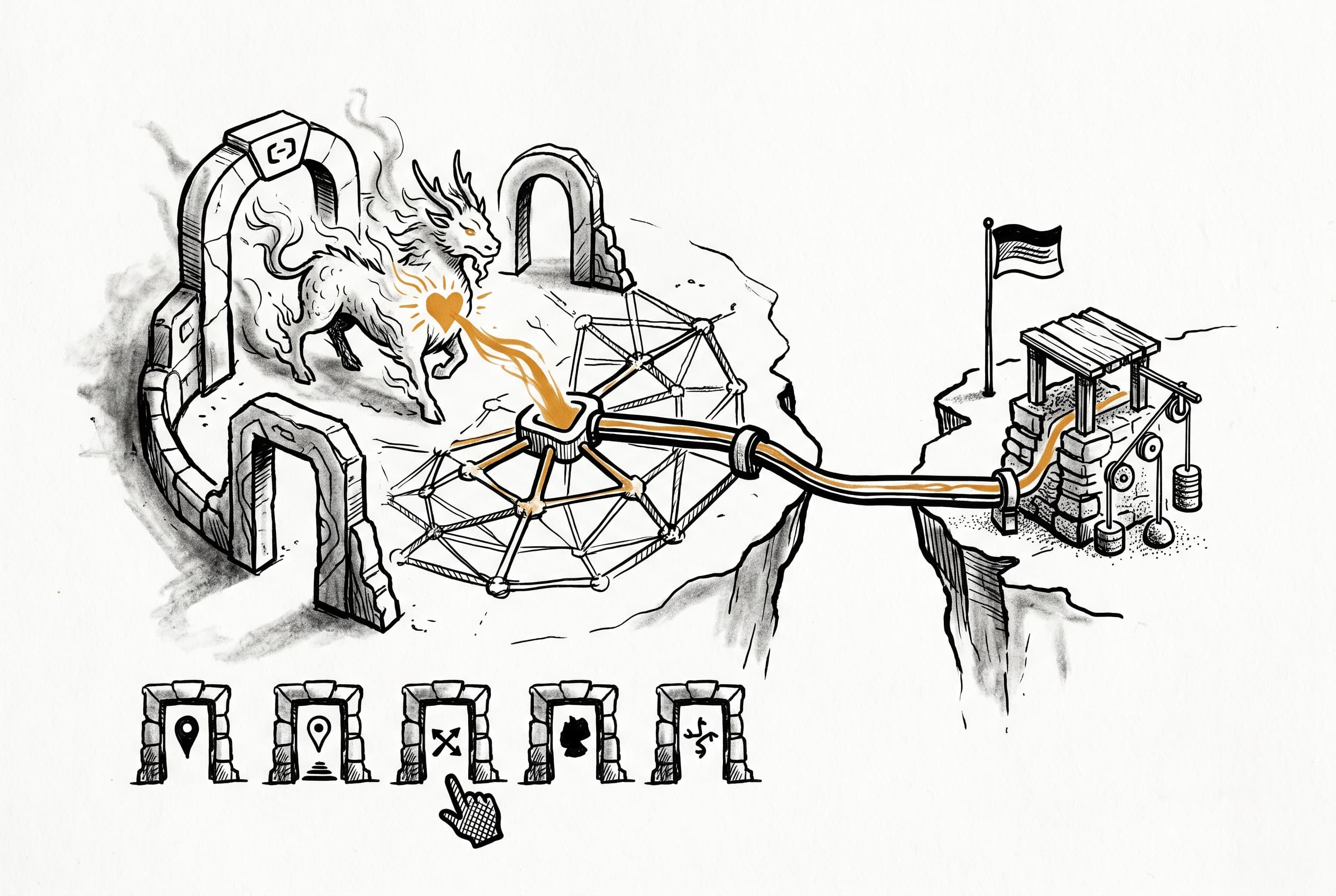
n8n AI Agents can now connect directly to Alibaba Cloud's Qwen models via DashScope, with support for five regions including Singapore, US, China, Hong Kong, and Germany. Users get full control over temperature, response format, and other parameters.
The new node plugs Alibaba Cloud's Qwen model family into n8n's AI Agent. Users configure credentials with an API key, pick a region (Singapore, US, China, Hong Kong, or Germany), and select from available Qwen models — the default is qwen-plus. All the usual tuning knobs are there: temperature, top-p, frequency and presence penalties, max tokens, timeout, and retries. A JSON response mode is available for structured outputs. The implementation reuses LangChain's ChatOpenAI class with DashScope's OpenAI-compatible endpoint, following the same pattern already used for DeepSeek and xAI Grok. This means no new dependencies and consistent behavior across OpenAI-compatible providers.
View Original GitHub Description
Summary
Add Alibaba Cloud Chat Model as a LangChain sub-node (lmChatAlibabaCloud) that connects to the AI Agent via DashScope's OpenAI-compatible API.
What it does
- New credential (
alibabaCloudApi) with API key and hidden DashScope international base URL - New chat model node in
@n8n/nodes-langchainusingChatOpenAIwith custom base URL (same pattern as DeepSeek, xAI Grok, OpenRouter) - Dynamic model loading via
GET /modelsendpoint, default model:qwen-plus - Configurable options: temperature, top-p, frequency/presence penalty, max tokens, response format (text/JSON), timeout, retries
- Alibaba Cloud SVG icon
How to test
- Get a DashScope API key from Alibaba Cloud Model Studio
- Create a workflow with AI Agent node
- Connect the new "Alibaba Cloud Chat Model" sub-node to the Agent's Chat Model input
- Configure credentials with the API key
- Select a Qwen model (e.g.
qwen-plus,qwen-turbo,qwen3-max) - Run the workflow and verify the Agent can use the model for chat completions
Related Linear tickets, Github issues, and Community forum posts
https://linear.app/n8n/issue/NODE-4774
Review / Merge checklist
- PR title and summary are descriptive. (conventions)
- Docs updated or follow-up ticket created.
- Tests included.
- PR Labeled with
release/backport(if the PR is an urgent fix that needs to be backported)
Alibaba Cloud Chat Model Node
Context
Linear ticket NODE-4774 requests an AI Agent model node for Alibaba Cloud/Qwen. This is separate from PR #27814, which adds a standalone node in nodes-base. Our node lives in @n8n/nodes-langchain and implements supplyData to connect with the AI Agent.
DashScope (Alibaba Cloud's API layer) provides an OpenAI-compatible endpoint at https://dashscope-intl.aliyuncs.com/compatible-mode/v1, so we use ChatOpenAI from @langchain/openai with a custom base URL - identical to how DeepSeek, xAI Grok, and OpenRouter work.
Architecture
graph LR
    Agent[AI Agent Node] -->|ai_languageModel| LmChat[Alibaba Cloud Chat Model]
    LmChat -->|supplyData| ChatOpenAI["ChatOpenAI (LangChain)"]
    ChatOpenAI -->|"OpenAI-compatible API"| DashScope["DashScope API<br/>dashscope-intl.aliyuncs.com"]
Naming
- Display name:
Alibaba Cloud Chat Model - Internal name:
lmChatAlibabaCloud - Credential name:
alibabaCloudApi - Credential display name:
Alibaba Cloud - Codex aliases:
qwen,dashscope,alibaba,model studio - Icon:
alibaba.svg(representing Alibaba Cloud, not Qwen specifically)
Reference Pattern: DeepSeek
The closest existing node to follow is LmChatDeepSeek.node.ts - it uses ChatOpenAI with a custom base URL, dynamic model loading via GET /models, and the OpenAICompatibleCredential type.
Key Implementation Details
- No new npm dependencies needed: Reuses
@langchain/openai(already in package.json) andChatOpenAIclass - Reuses shared type:
OpenAICompatibleCredentialfromtypes/types.ts - Reuses shared error handler:
openAiFailedAttemptHandlerfromvendors/OpenAi/helpers/error-handling.ts - Not excluded from Agent: The node name
lmChatAlibabaCloudis not in the Agent'sexcludedNodesfilter, so it is automatically connectable to the AI Agent - Region: Uses international (Singapore) endpoint by default via hidden
urlfield
Made with Cursor