Planner sub-agent renders multi-step plans progressively
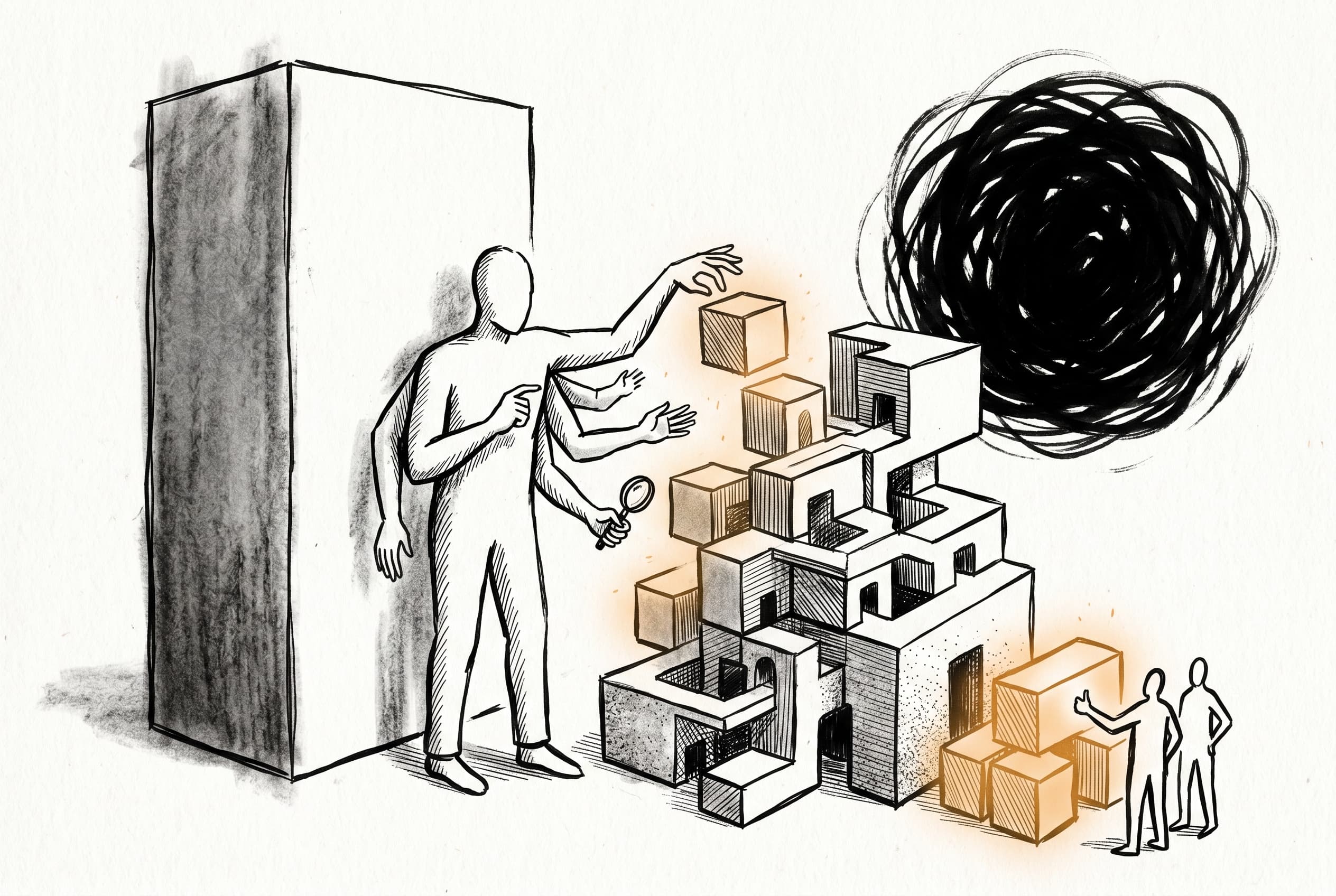
Users working on multi-step automation projects can now watch their solution blueprint build up task by task in real time, instead of staring at a blank loading screen for up to a minute before seeing the complete plan.
When users asked n8n's AI to build complex workflows involving multiple steps—say, setting up a data table, then building two workflows that feed into each other—they had to wait about 60 seconds watching a blank loading indicator before the plan appeared all at once. A second 33-second delay followed before they could approve or reject it.
The new planner sub-agent changes this. When the orchestrator needs to plan multi-step work, it now spawns an inline planner that discovers available resources—credentials, existing data tables, best practices—designs the blueprint, and emits each task into the UI as it designs it. Users watch the plan build up progressively: first the data table task appears, then the first workflow, then the second. When all tasks are added, the approval buttons appear directly in the planner's stream without a round-trip back to the orchestrator.
If the user rejects the plan, feedback goes back to the same planner agent, which makes targeted edits using remove and add operations rather than restarting from scratch. The system pinpoints what changed and only updates that.
This lands in the n8n instance-ai package, touching both the backend AI orchestration and the frontend plan review panel.
View Original GitHub Description
Summary
Adds a planner sub-agent that designs solution architectures for multi-step requests. Instead of the orchestrator building the task graph directly, it spawns an inline planner that discovers available resources (credentials, data tables, best practices), designs the blueprint, and shows it to the user for approval before any work begins.
The previous flow had two problems. First, the user stared at a loading planner for ~60s with zero visibility into what was being planned, everything appeared at once when submit-blueprint was called at the very end. Second, after the planner finished there was a ~33s orchestrator round-trip before the plan review UI appeared.
This PR fixes both. The planner now calls add-plan-item once per task as it designs each one, so the PlanReviewPanel populates progressively during planning. Plan approval happens inside the planner's own stream via Mastra HITL suspend(), eliminating the orchestrator round-trip entirely. When the user requests changes, feedback goes back to the same planner agent, it makes surgical edits with remove-plan-item / add-plan-item and re-submits, no restart needed.
The flow looks like:
orchestrator calls plan-with-agent
  planner discovers (best-practices, credentials, tables)
  planner calls add-plan-item(data-table-1)   -> PlanReviewPanel: [task 1]
  planner calls add-plan-item(workflow-1)      -> PlanReviewPanel: [task 1, task 2]
  planner calls add-plan-item(workflow-2)      -> PlanReviewPanel: [task 1, task 2, task 3]
  planner calls submit-plan                    -> suspend() -> approve/reject buttons appear
  user approves                                -> resume -> tasks dispatched
New files
blueprint-accumulator.ts: incremental task accumulation with upsert, dep reconciliation, removal, approval trackingadd-plan-item.tool.ts: planner tool for progressive task emission + removal for revisionsubmit-plan.tool.ts: Mastra HITL tool that suspends for user approval and returns the decision for the revision loopplan-with-agent.tool.ts: orchestration tool that spawns the planner sub-agent with discovery + planning + approval toolsplan-agent-prompt.ts: planner system prompt (infer-don't-ask, incremental emission, revision handling)blueprint.schema.ts: zod schemas for blueprint items (workflow, data-table, research, delegate)
Beyond the new files, changes touch three areas: the planItems transport pipeline (api-types schemas, reducer, map-chunk validation, SSE events) so full task details flow from the planner's suspend payload to the frontend; the HITL plumbing (consume-with-hitl passes maxSteps to resumeStream, without this Mastra defaults to ~5 steps on resume and the planner stops early); and the frontend rendering (AgentTimeline does three-state planner display: loading/interactive/read-only, PlanReviewPanel gets a loading prop for the progressive preview).
Review / Merge checklist
- PR title and summary are descriptive. (conventions) <!-- **Remember, the title automatically goes into the changelog. Use `(no-changelog)` otherwise.** -->
- Docs updated or follow-up ticket created.
- Tests included. <!-- A bug is not considered fixed, unless a test is added to prevent it from happening again. A feature is not complete without tests. -->
- PR Labeled with
Backport to Beta,Backport to Stable, orBackport to v1(if the PR is an urgent fix that needs to be backported)