Built-in node icons replaced with custom SVGs
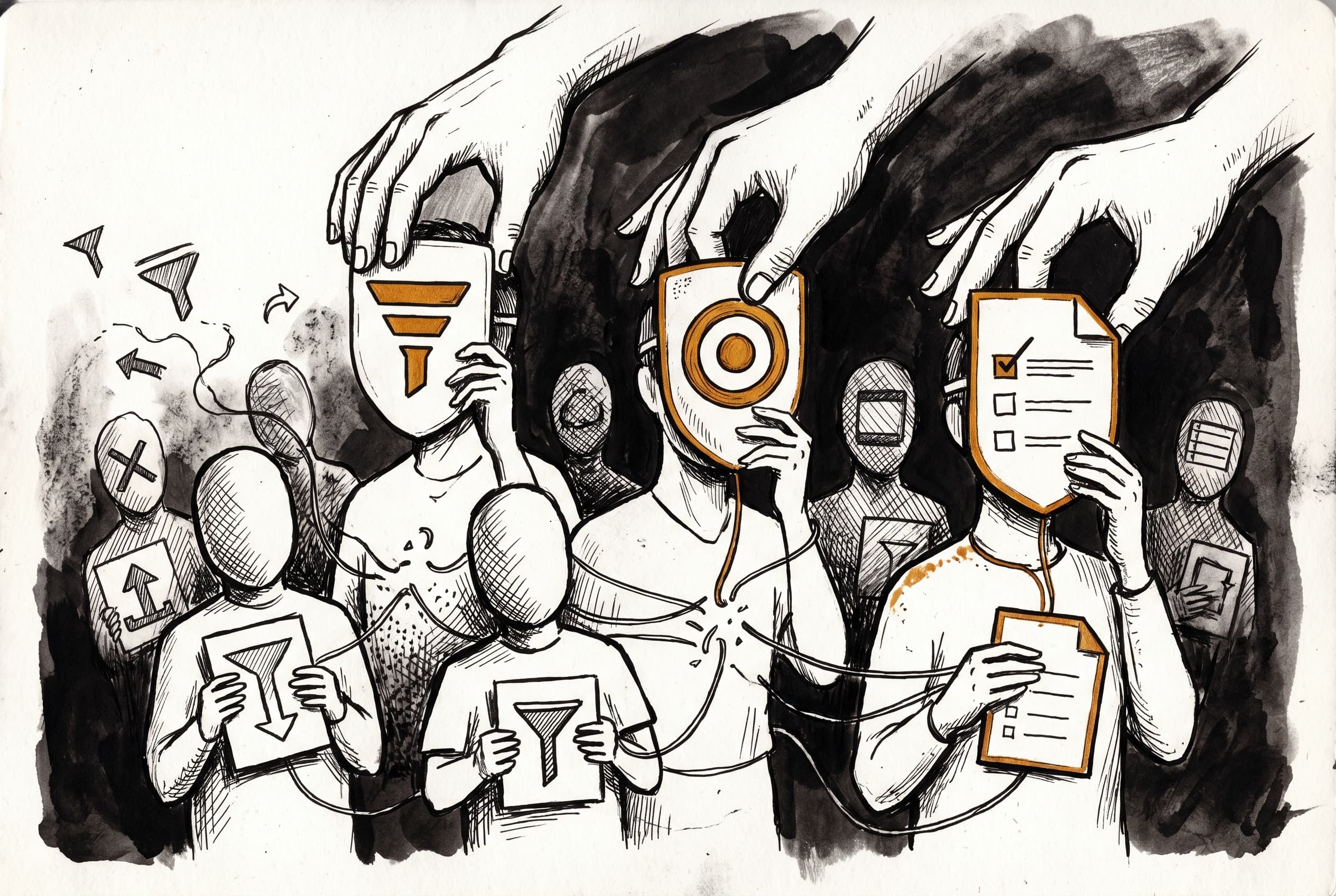
The n8n editor's built-in nodes now display 86 custom SVG icons instead of generic Font Awesome symbols or external image files, giving each node type a distinctive, recognizable face.
Previously, n8n's built-in nodes relied on a hodgepodge of Font Awesome icons and external SVG files for their visual identity. A "filter" node might show a generic filter symbol shared with dozens of other apps, while file-based icons required separate downloads for each node type.
Now every built-in node has its own purpose-drawn SVG icon rendered inline through the design system. The Filter node displays a three-bar funnel, the HTTP Request node shows a targeted circle-within-circle, and the Form Trigger renders a document with checkbox lines — icons that communicate what each node actually does. All 86 icons live in the design system package, eliminating external file dependencies.
The icon system adds 11 new color tokens (amber, teal, lavender, violet, lime, magenta, sky-blue, emerald, forest-green, rust, and gray) with light and dark mode variants matched to each icon's original palette. Icons now render at larger sizes depending on context — 48px on the canvas, 36px for configuration nodes, 24px in panel listings.
A temporary lint rule disable was applied while the external eslint plugin catches up to the new node: icon prefix format; a follow-up will restore full validation.
In the @n8n/design-system package, the new registry holds all icon components, with providing type-safe detection. The component lazy-loads the node icon bundle only when a node icon is referenced, keeping the main bundle lean. In the workflow package, was simplified from a two-part pattern to a single suffix, and new color tokens were added to .
View Original GitHub Description
Summary
Replace Font Awesome and file-based SVG icons for built-in nodes with new custom SVG node icons rendered inline via the design system.
Key changes:
- Add 86 new SVG node icons to
@n8n/design-systemunderN8nIcon/nodes/ - Add
nodeIconSetto the icon registry alongside existingupdatedIconSet - Update ~80 node definitions across
nodes-baseandnodes-langchainto usenode:icon references - Simplify
IconReftype from`node:${string}.${string}`to`node:${string}` - Add 11 new icon color tokens (
amber,teal,lavender,violet,lime,magenta,sky-blue,emerald,forest-green,rust,gray) with light/dark mode values matching the exact colors from the original SVGs - Add
'neutral'toThemeIconColortype - New node icons render at larger sizes (48px canvas, 36px configuration nodes, 24px panels) while old icons keep existing sizes (40px, 30px, 20px)
Lint rule note: The node-class-description-icon-not-svg rule from eslint-plugin-n8n-nodes-base has been temporarily disabled in both nodes-base and nodes-langchain eslint configs. The external plugin (v1.16.5) only recognizes fa: and .svg icon formats — it doesn't know about the new node: prefix. Agreed with @ivov to turn it off for now; a follow-up PR will update eslint-plugin-n8n-nodes-base to support node: icons, after which the rule will be re-enabled.
Related Linear tickets, Github issues, and Community forum posts
https://linear.app/n8n/issue/DS-515
Preview
<img width="2052" height="1010" alt="image" src="https://github.com/user-attachments/assets/cf264c4c-bbdb-402c-a999-5bcecc9946c8" /> <img width="386" height="725" alt="image" src="https://github.com/user-attachments/assets/4d675e49-d9d2-4b83-9e57-729f7aa3eb1d" /> <img width="241" height="160" alt="image" src="https://github.com/user-attachments/assets/4b176f12-0c9b-4aea-97f6-fbb8ad6d39b1" />Review / Merge checklist
- PR title and summary are descriptive. (conventions)
- Docs updated or follow-up ticket created.
- Tests included.
- PR Labeled with
release/backport(if the PR is an urgent fix that needs to be backported) - I have seen this code, I have run this code, and I take responsibility for this code.