AI workflow builder now prompts for real email addresses
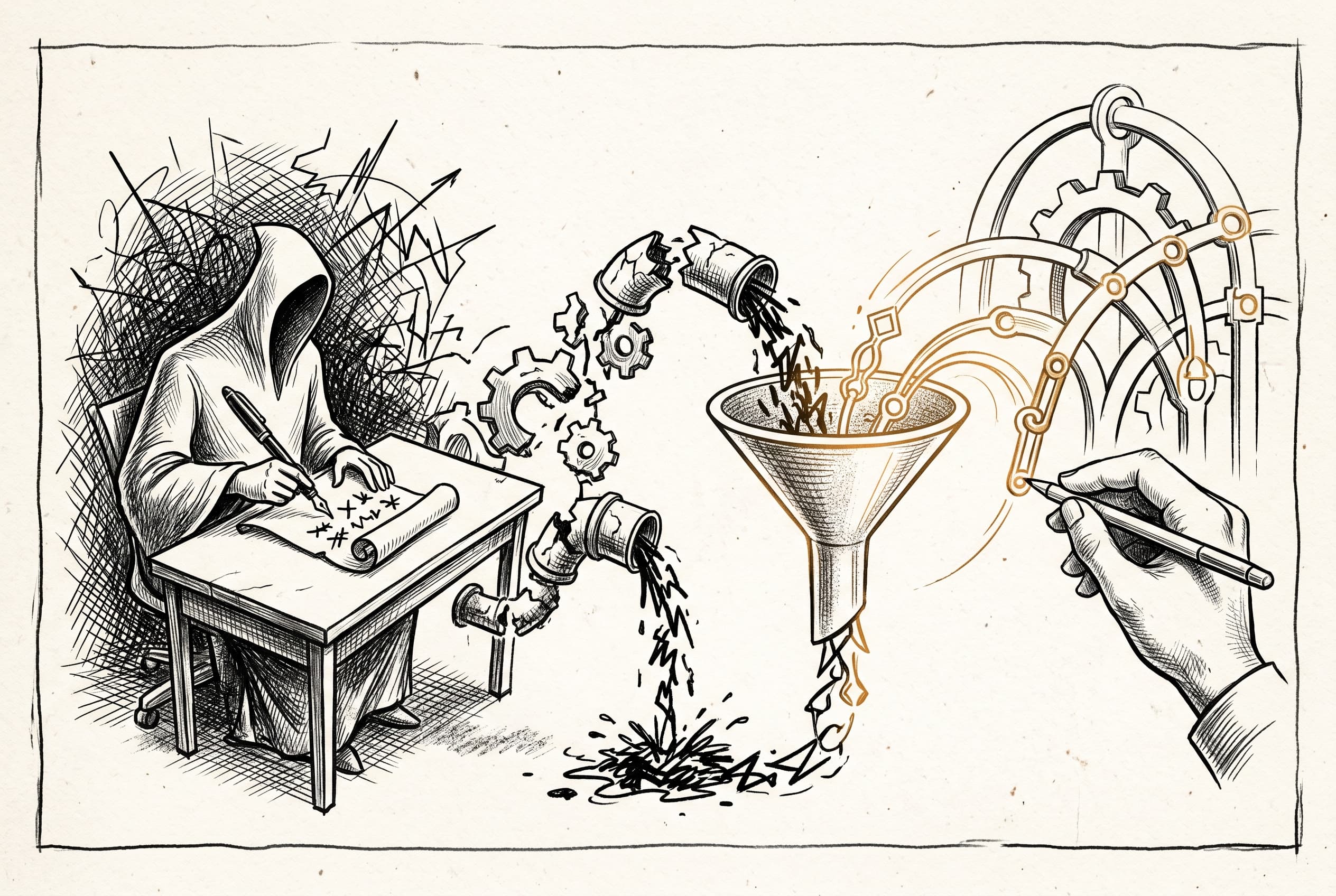
The AI workflow builder now uses placeholders for user-provided values like email addresses instead of hardcoding fake data, routing incomplete workflows to a setup wizard for real configuration.
When users asked n8n's AI builder to create workflows involving email or notifications, the system would silently hardcode fake addresses like user@example.com. The builder had a universal ban on placeholder() — a rule meant to prevent fake spreadsheet IDs, but it incorrectly blocked legitimate prompts for real user values. The result was workflows that looked complete but would silently fail at runtime.
This PR fixes the issue across four layers. First, the prompt rules now distinguish between discoverable resources where real IDs are required (spreadsheets, calendars) and user-provided values (email addresses, phone numbers) where placeholder() is the correct approach. The builder is explicitly told never to hardcode fake addresses.
Second, a new hasUnresolvedPlaceholders flag tracks workflows with incomplete user inputs and routes them to the setup wizard instead of running verification. Third, the setup service scans node parameters for placeholder sentinels and surfaces them as parameter issues so the wizard can collect real values. Fourth, the frontend wizard treats placeholder strings as unset values, prevents users from skipping them, and clears sentinels when real values are applied.
The fix introduces a reusable hasPlaceholderDeep() utility that recursively detects placeholder sentinels in strings, arrays, or objects. This runs everywhere placeholders need to be detected — in the workflow submission tool, the setup service, and the frontend setup wizard.
Workflows built by the AI now work on day one because users provide their actual email address, phone number, or notification target through the setup wizard instead of discovering the hardcoded fake value too late.
View Original GitHub Description
Summary
When a user asks the AI builder to create a workflow involving email (e.g. "send me an email if it's going to rain"), the builder hardcodes sendTo: "user@example.com" instead of collecting the real address. This happens because the builder prompt bans placeholder() universally — a rule designed for discoverable resources (spreadsheet IDs, calendar IDs) that incorrectly blocks user-provided values too.
This PR fixes the issue across four layers:
Prompt semantics: Scopes the placeholder() ban to discoverable resources only. The builder can now use placeholder('Your email address') for values that require direct user input, and is explicitly told never to hardcode fake addresses.
Workflow-loop state machine: Adds hasUnresolvedPlaceholders as first-class metadata alongside mockedCredentialTypes. Placeholder-bearing workflows skip runtime verification (which would fail on sentinel strings) and route to setup-workflow so the user can provide real values through the setup wizard.
Setup service: buildSetupRequests() now recursively scans node parameters for placeholder sentinels and surfaces them as parameter issues, ensuring the setup wizard shows input fields for them.
Frontend setup wizard: isParamValueSet() treats placeholder strings as "not set". isCardComplete() checks for remaining placeholders. buildNodeParameters() explicitly clears placeholder sentinels on apply so they don't silently survive.
- I have seen this code, I have run this code, and I take responsibility for this code.
Related Linear tickets, Github issues, and Community forum posts
Notion P0: Didn't ask for email as part of the configuration steps