Vercel deployments can now be manually promoted
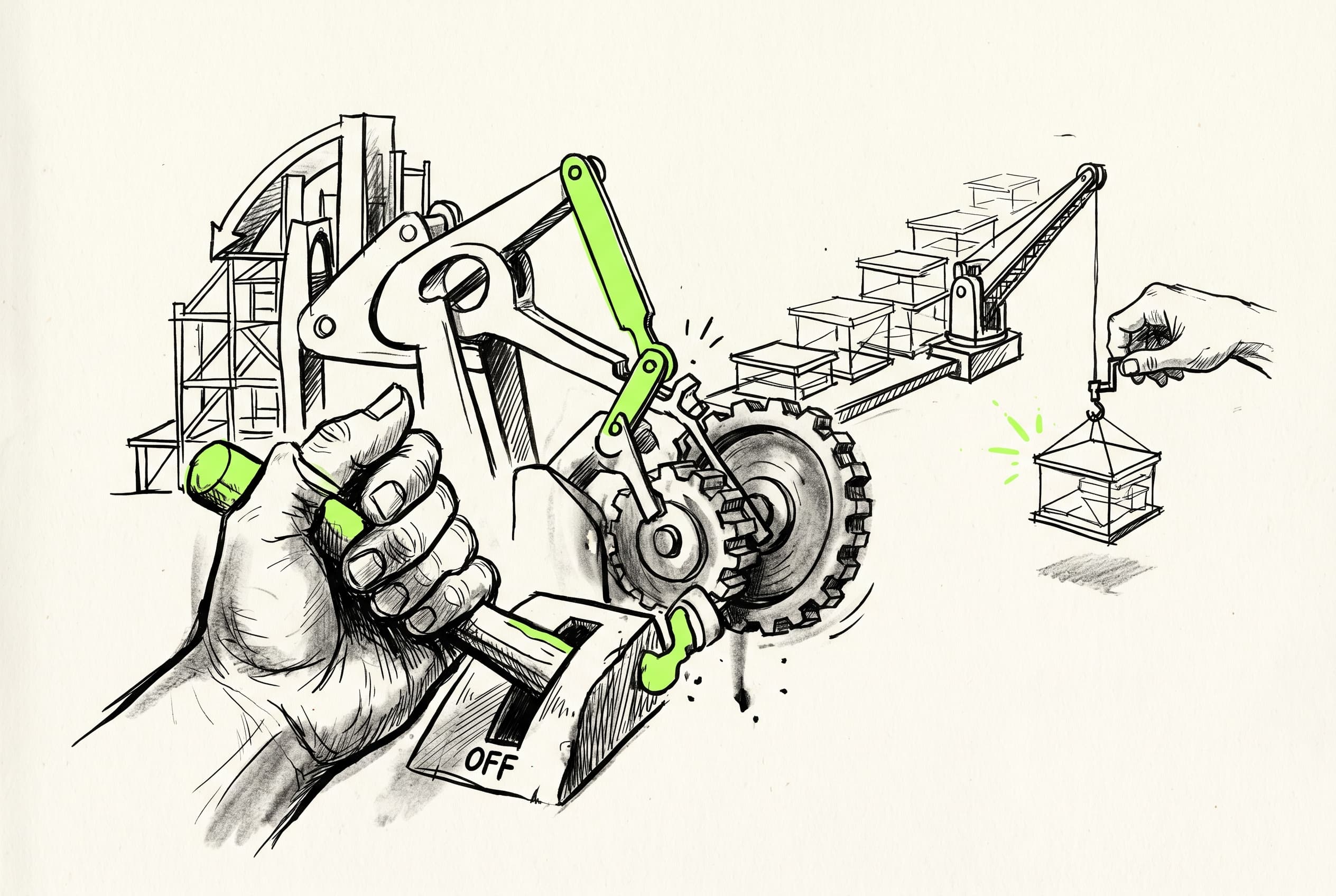
Users can disable automatic Vercel promotions after a build completes, allowing for manual deployment control directly from the Vercel dashboard.
Previously, the system automatically promoted Vercel deployments as soon as a build finished. Now, developers can disable this automatic promotion directly from the integration settings.
By turning off the auto-promote toggle, teams can manually review and promote deployments from their Vercel dashboard at their own pace. Once manually promoted in Vercel, the system will automatically catch up and sync the promotion state. This gives teams tighter control over their production environments, ensuring builds only go live exactly when intended.
This feature is located in the webapp's Vercel integration settings and requires atomic deployments to be enabled.