triggerdotdev
Development Feed
Development Feed
Long messages on the run inspector no longer overflow their containers, and developers can now copy message text directly with one click.
Side panels across the webapp now slide in and out smoothly rather than snapping into place, giving the interface a more polished feel.

The initial setup flow is now fully responsive, allowing users to log in, create organizations, and configure projects from mobile devices.
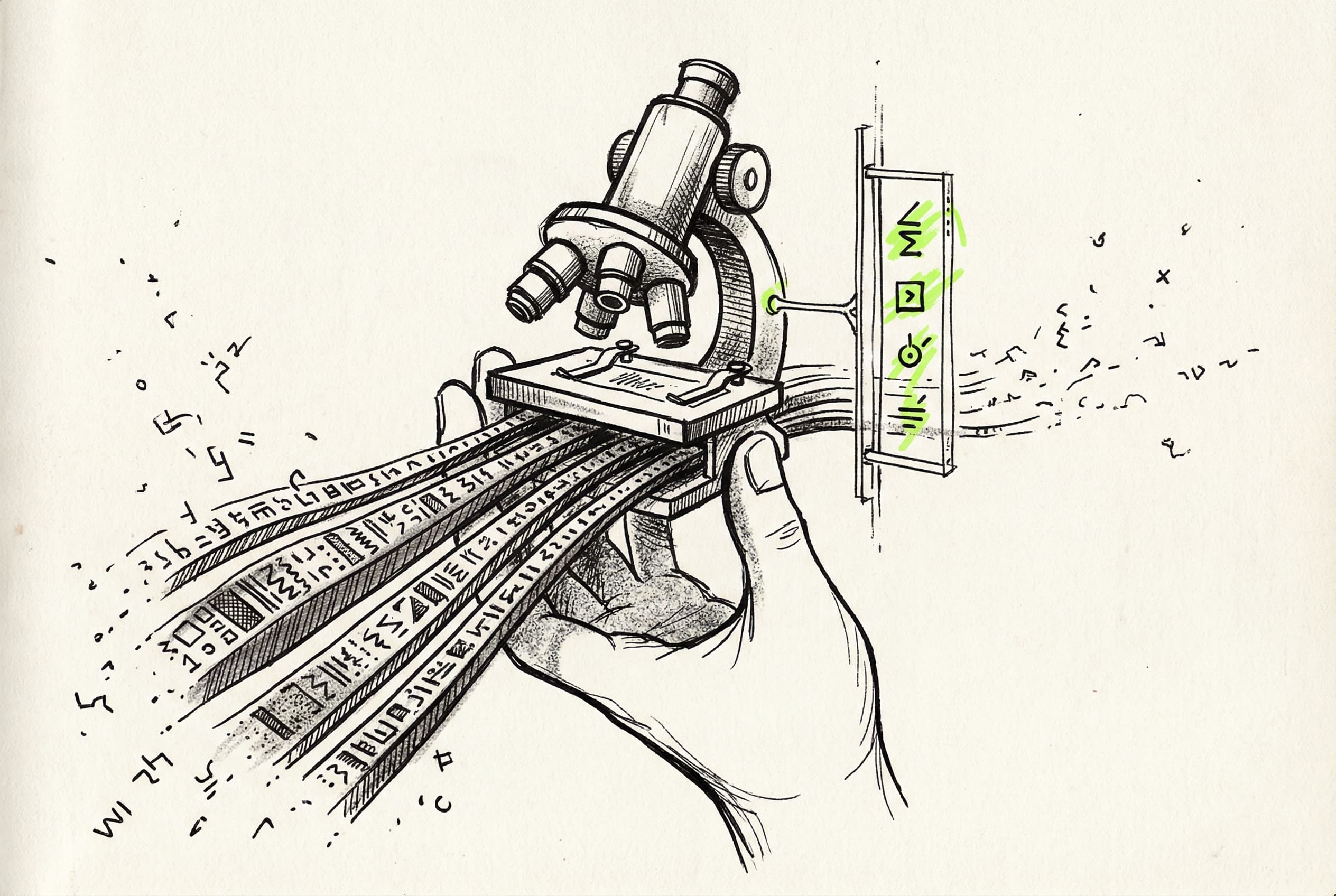
The Models page has been redesigned to replace the grid view with a data table, complete with a resizable details panel and unified feature badges.
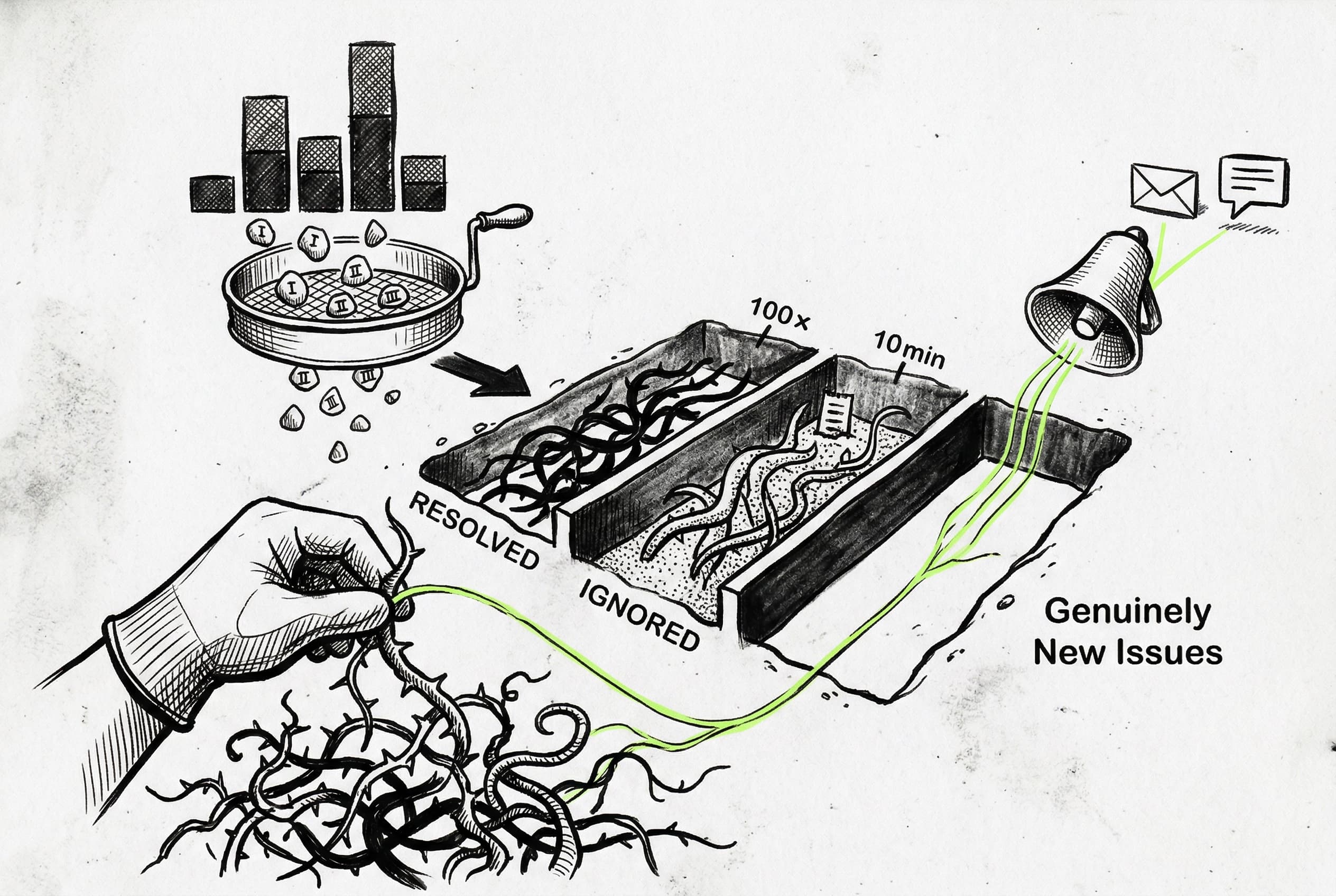
Developers can now filter errors by version, snooze them with custom thresholds, and configure smart alerts via Slack, email, or webhook to notify them only when new issues emerge or old ones regress.
The AI models dashboard has been decluttered by removing global call metrics and prioritizing individual usage, while behind-the-scenes feature flags were consolidated into a single access toggle.


Administrators can view and copy the specific IP addresses assigned to private connections, replacing the previous DNS name display.
Self-hosted deployments can migrate between S3-compatible storage backends like Cloudflare R2 and AWS S3 without any downtime or data loss.

Removing the legacy Postgres fallback for run listings trims down the codebase and shifts reliance entirely to ClickHouse, reducing database write overhead.
Developers can once again use idempotency keys with wait triggers, as the bug causing stuck parent tasks appears resolved.
Users can now search environment variables by their deployment type and branch name, making it faster to locate specific configurations.


Triggered runs skip the 500ms debounce delay and execute immediately when concurrency is available, drastically reducing start latency.
A missing build step in the internal compute package caused Docker deployments to crash. A new compilation pipeline ensures TypeScript compiles to JavaScript for predictable production runtimes.
A comprehensive new documentation page maps n8n concepts to Trigger.dev code, helping users transition automated workflows to managed infrastructure.